The Video bubble block allows you to display a video to your user. You can paste a video URL from many sources including YouTube, Vimeo, and mp4.
Flow View:
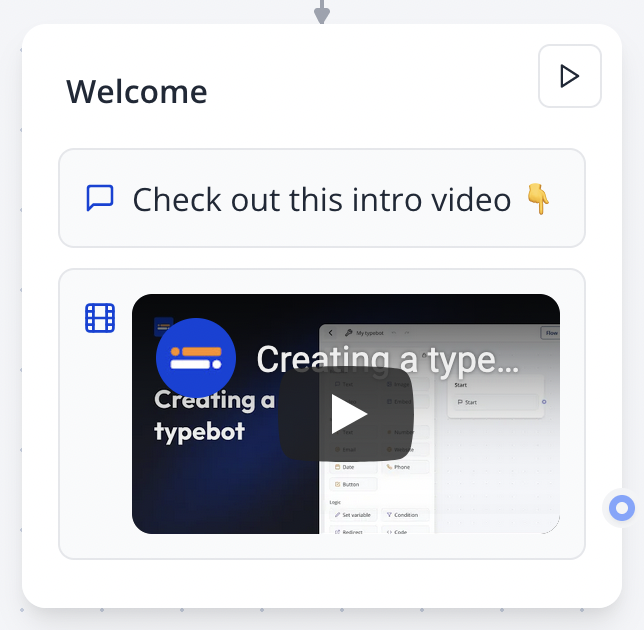
Bot View:
Video demo: See how embedded videos appear in the chat interface.
Video service detection
When you paste a video URL, Zapbot will automatically detect the video service and parse it with the proper iframe settings. It currently works with:
- YouTube (video and shorts)
- Vimeo
- TikTok
- Gumlet
- OneDrive
Feel free to suggest a missing service through our feedback channels.
For missing services, you can instead add an Embed bubble and paste the iframe code.
Limitations
- YouTube clips are not supported as we can't transform it to embed URL automatically. To embed a YouTube clip, you can use the Embed bubble and paste the iframe code that can be found in YouTube under the "Share" > "Embed" button.