Blocks are the atomic building blocks of a zapbot chat. You can chain any blocks together to create complex conversation flows. When you drag and drop a block in the zapbot flow, by default it will be inserted into a group that can have a title. Blocks are always contained in groups.
There are multiple block categories to make it easier to find the right block for your needs:
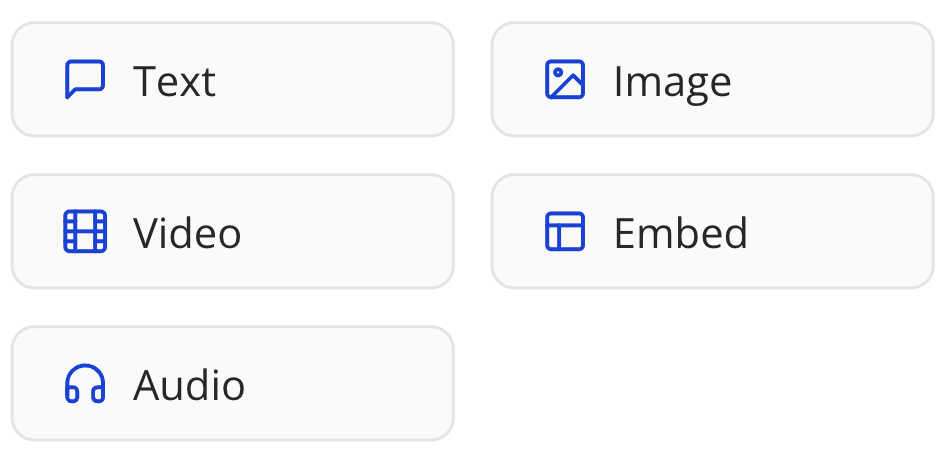
Bubbles
Bubble blocks are used to show bubbles that can be used to display information to the user.
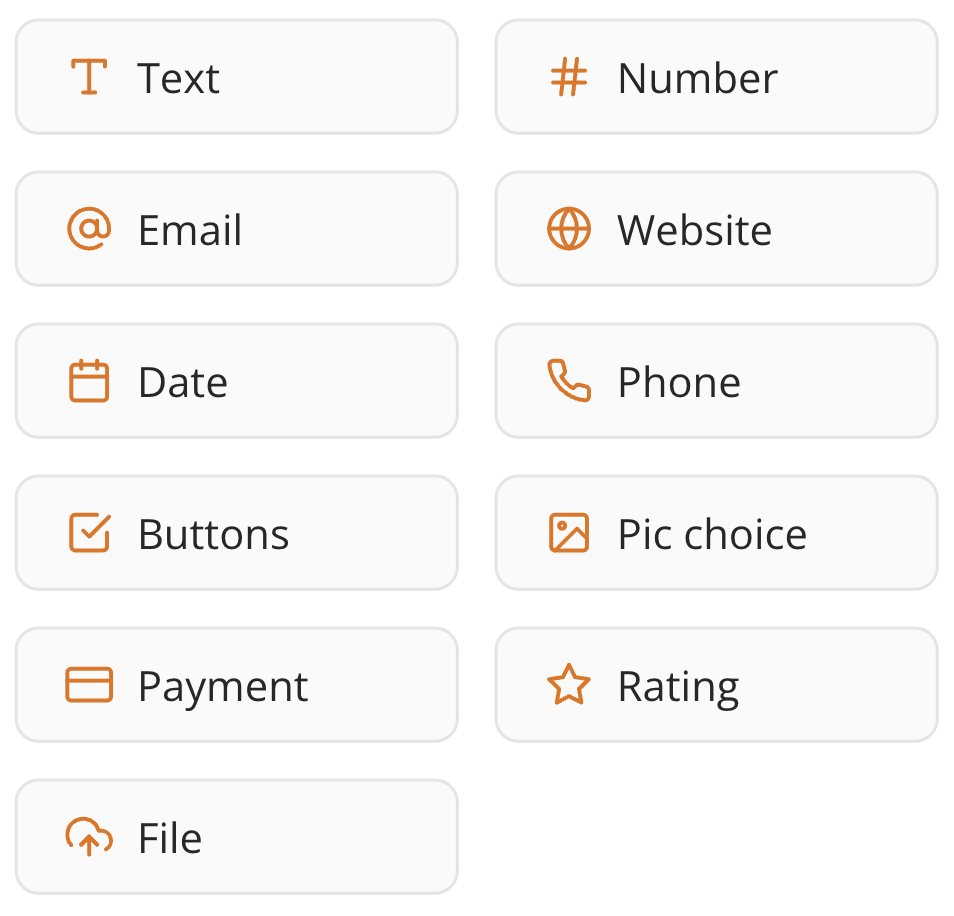
Inputs
Input blocks are used to ask the user for input. It will stop the conversation and wait for the user to provide input.
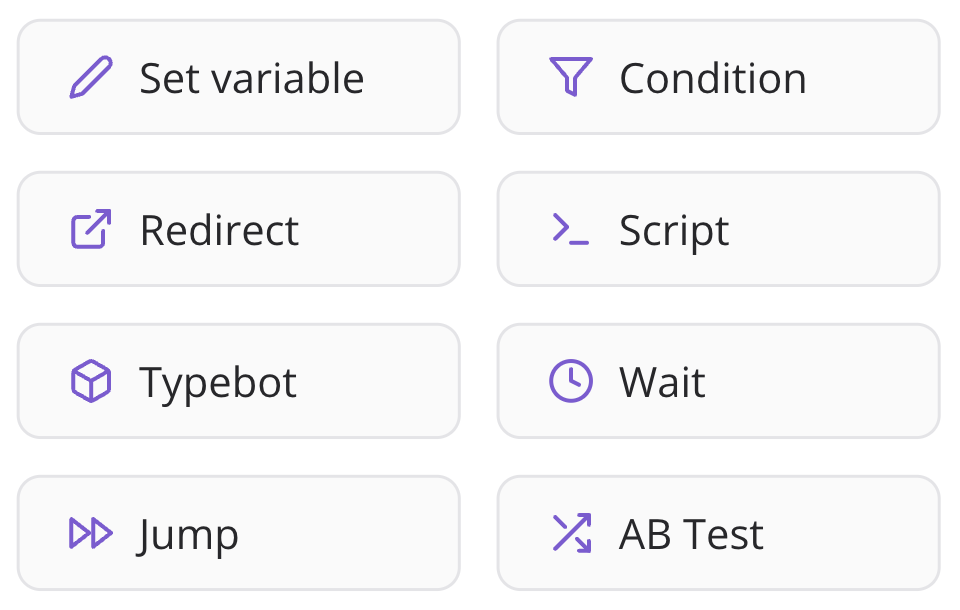
Logic
Logic blocks are used to perform background operations. They are not visible to the users.
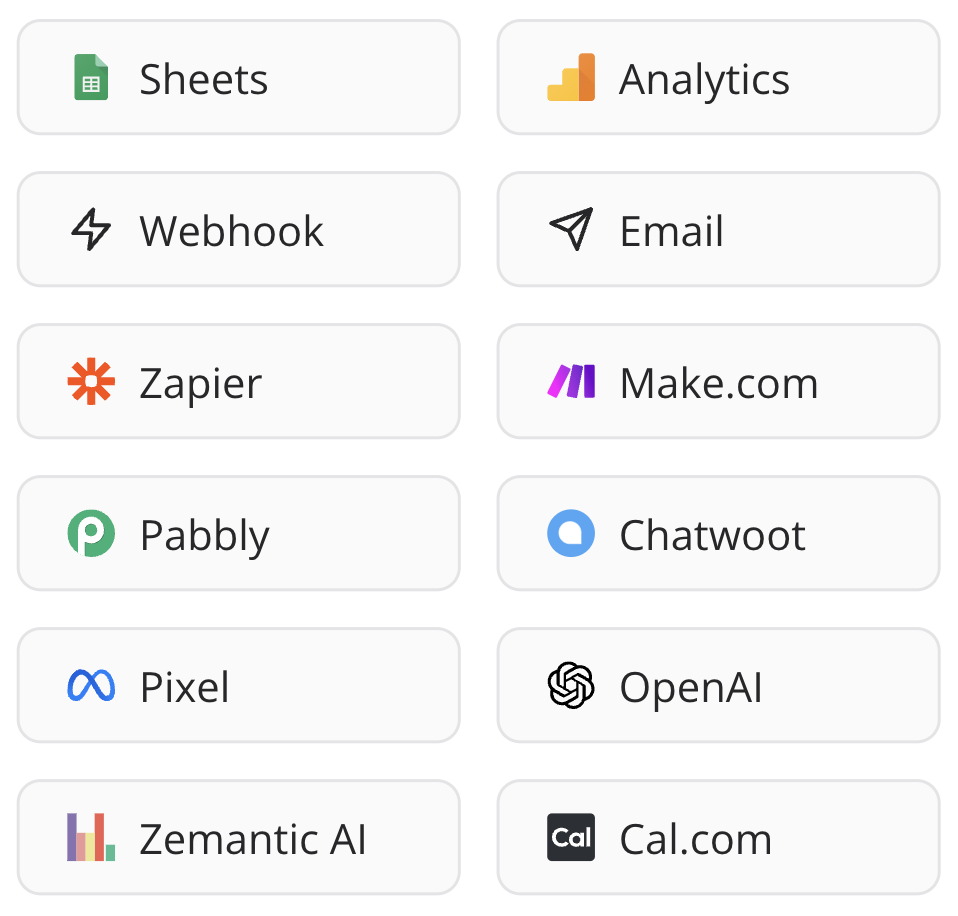
Integrations
Integration blocks are used to trigger external services operations.
Note: Interested in implementing your own integration block? Contact our team to learn how to create custom blocks.