The Condition block allows you to split your flow in two based on a condition.
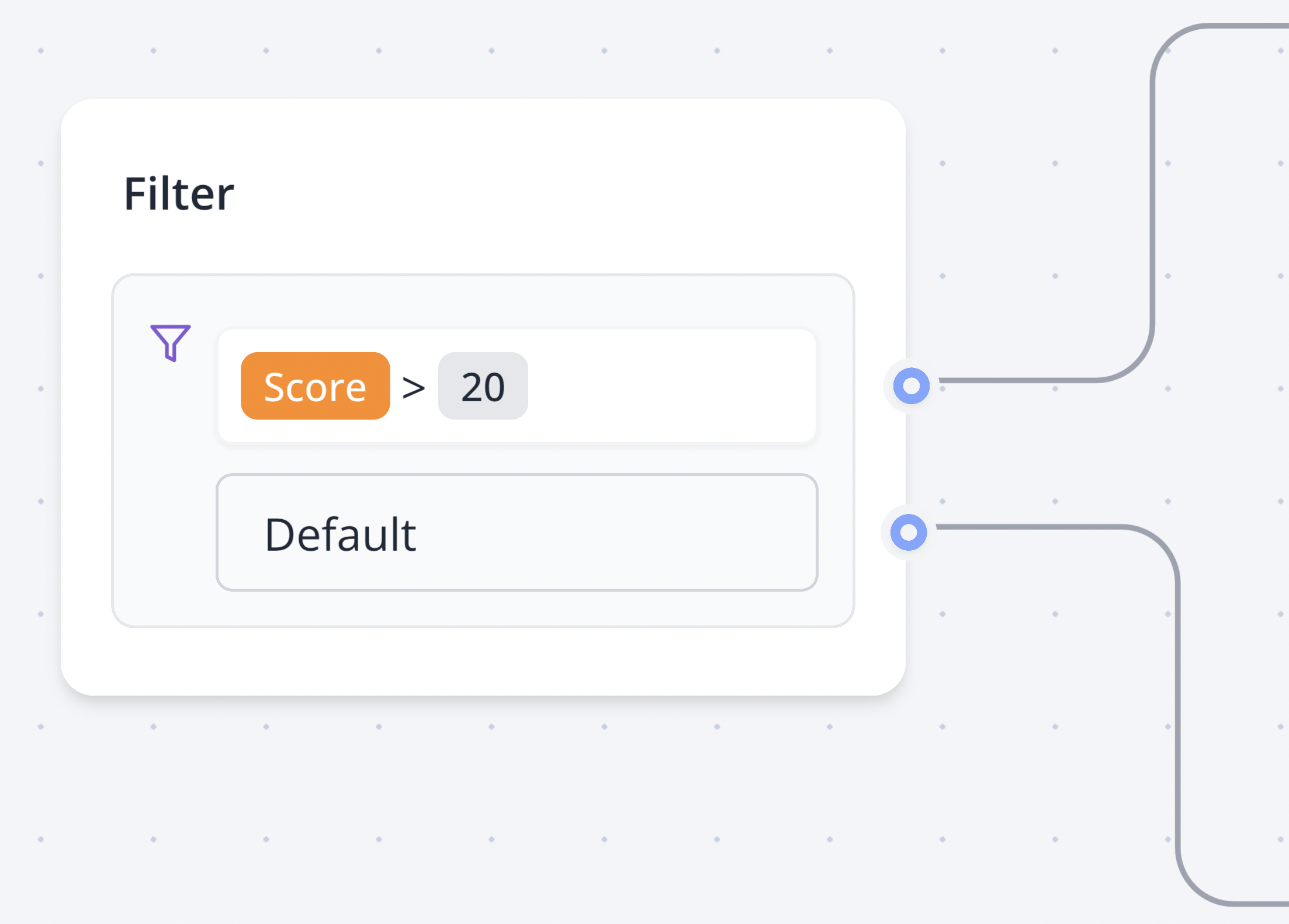
This can be translated to: "If Score is greater than 20 then go to this path. Otherwise, go to the other path."
A condition can contain different comparisons that are evaluated in order and linked with a logical operator: 'AND' or 'OR'.
Video tutorial available in the Zapbot dashboard
Operators#
Equal to#
Will match if the provided value is strictly equal to the value.
Not equal#
Will match if the provided value is not equal to the value.
Contains#
Will match if the provided value contains the value. If a list is provided, it will match if the list has at least one element in common with the value.
Does not contain#
Same as Contains but will match the inverse.
Greater than#
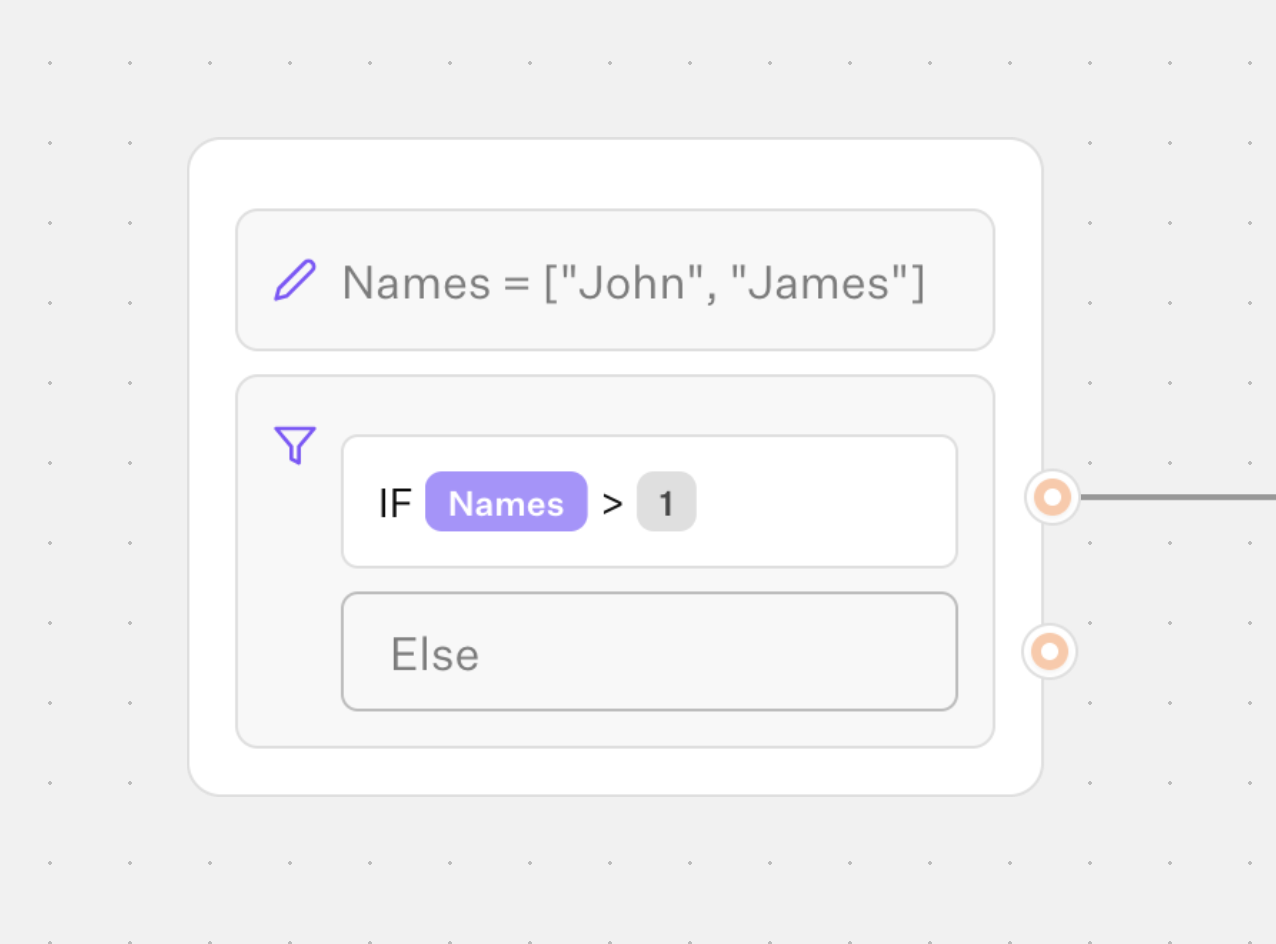
Will match if the provided value is greater or equal than the value. If the variable you provided is a list, it will execute the condition on the length of the list.
Less than#
Will match if the provided value is less or equal than the value. If the variable you provided is a list, it will execute the condition on the length of the list.
Is set#
Will match if the provided value is not null or undefined and not an empty string.
Is empty#
Will match if the provided value is null, undefined, or an empty string.
Starts with#
Will match if the provided value starts with the value.
Ends with#
Will match if the provided value ends with the value.
Matches regex#
Value should start and end with / and contain a valid regex pattern.
Example:
/^hello$/will match if the string is strictly equal to "hello"./hello/will match if the string contains "hello". Like "hello world"./hello/iwill match if the string contains "hello" case-insensitive. Like "Hello world"./[0-9]+/will match if the string contains one or more digits. Like "123".
Does not match regex#
Same as Matches regex but will match if the provided value does not match the regex pattern.