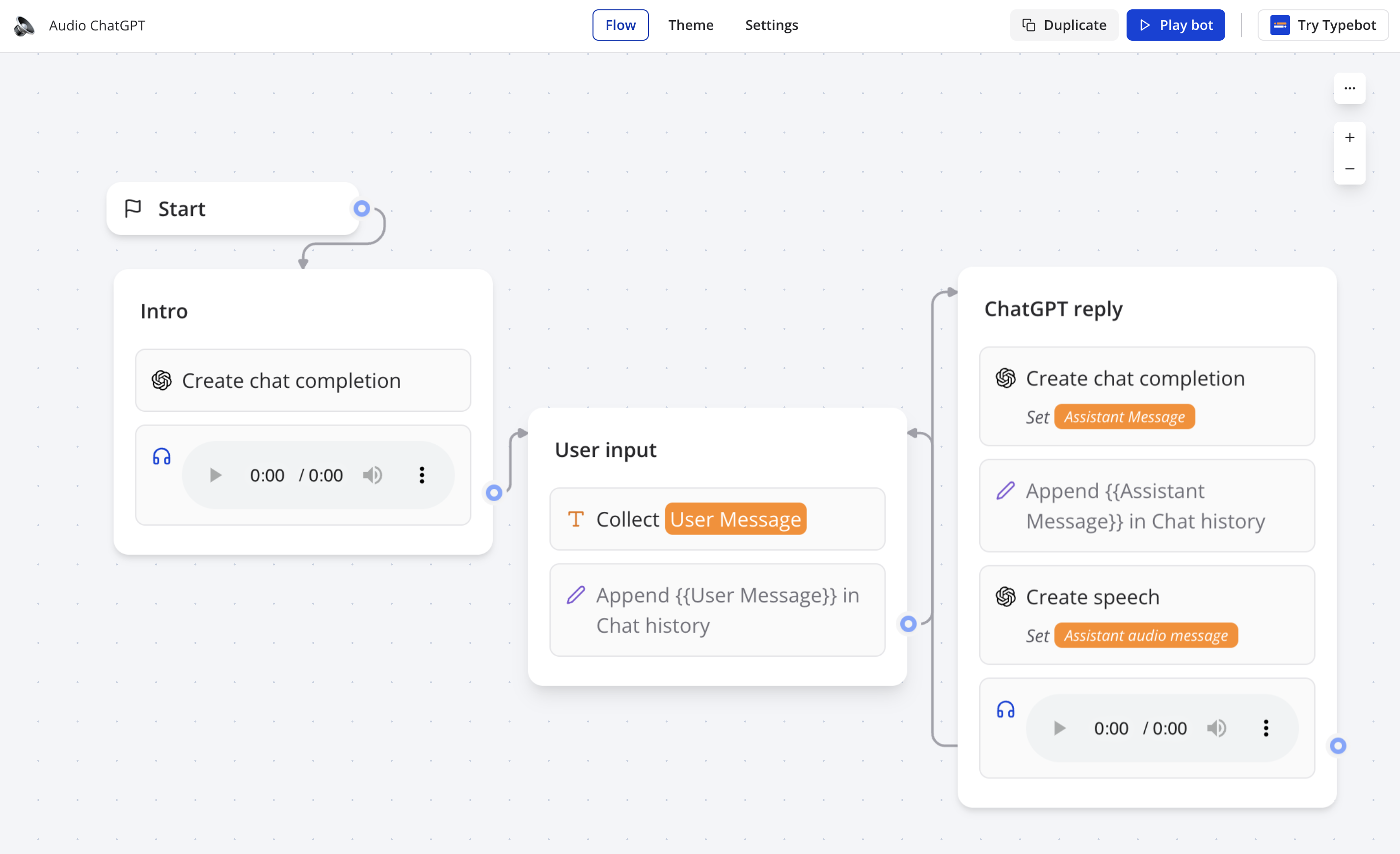
Your zapbot flow can be publicly shared. For this, open the Share menu and enable the Make the flow publicly available option:
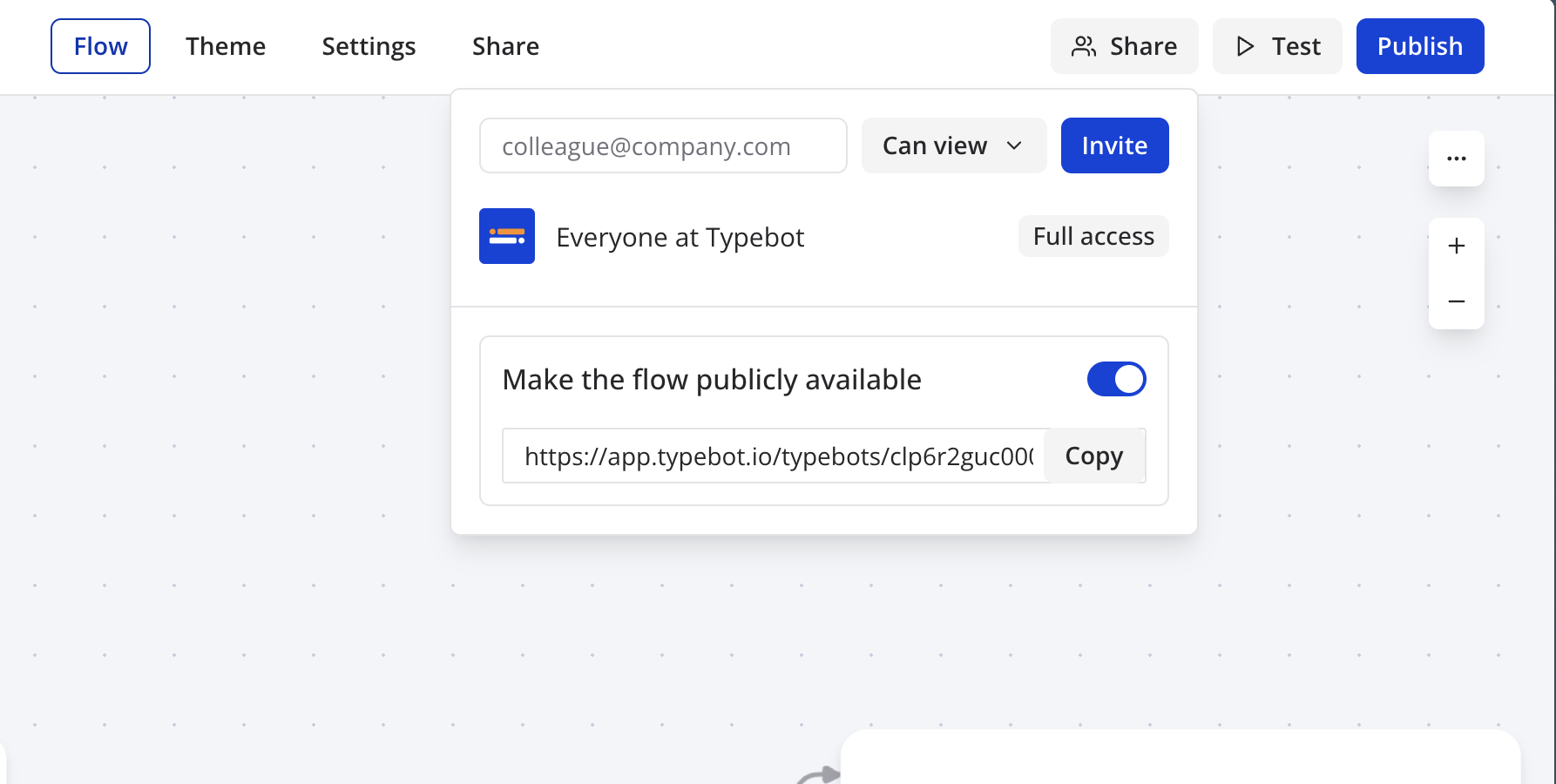
The flow can then be tested by non-authenticated guests. They are able to check all the options and can play the bot in preview mode.