Campaigns
Overview
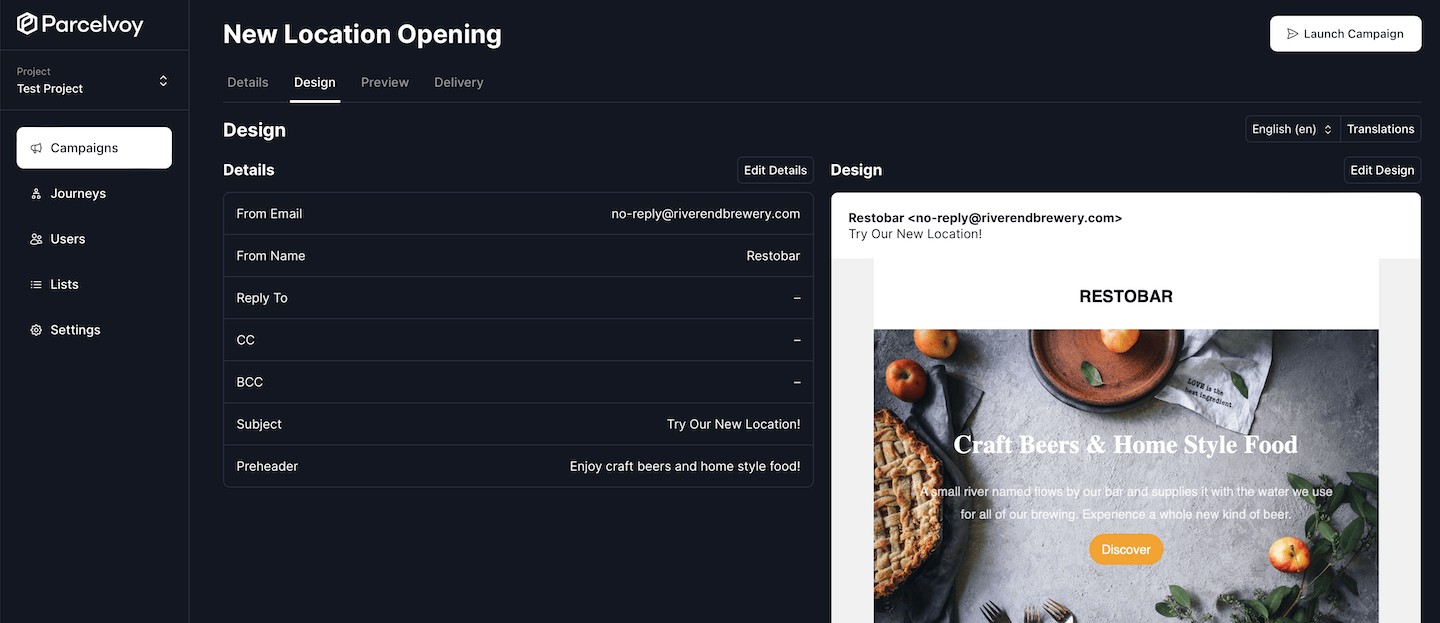
Campaigns are how all messaging happens within Edesy Email. Whether that be sending an email blast or calling a webhook inside of a journey, all of that uses a campaign.
There are four basic channels that campaigns can be sent over:
- Text (SMS)
- Push Notification
- Webhook
The campaign handles scheduling, targeting and designing of a given communication and then passes the transmission over to a provider.
Dive deeper into the documentation for how to create, manage and launch campaigns.
Tutorials
Create - Start here to get up and running and get aquainted at a high level with sending messages with Edesy Email.
Design - Design, preview and proof campaigns to make sure they are perfect!
Launch - Schedule, launch and evaluate how your campaigns are performing.
Customize - Templates are the backbone of campaigns and allow you to create dynamic messages.